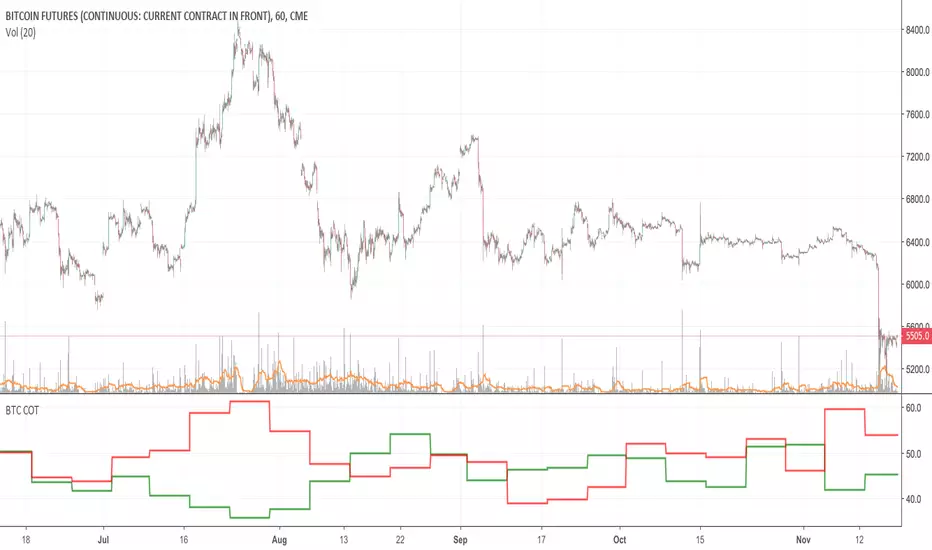
Bitcoin COT (CME)Commitment of Traders report from the CME.
HOW TO INTERPRET:
// 1. Trade in the same direction of institutional money.
// 2. Trade in the opposite direction of retail money.
// 3. Trade in the direction of professional money.
// 4. When %open interest held by largest 4 longs > %open interest held by largest 4 shorts = look to buy
// 5. When %open interest held by largest 4 shorts > %open interest held by largest 4 longs = look to sell
Pesquisar nos scripts por "bitcoin"
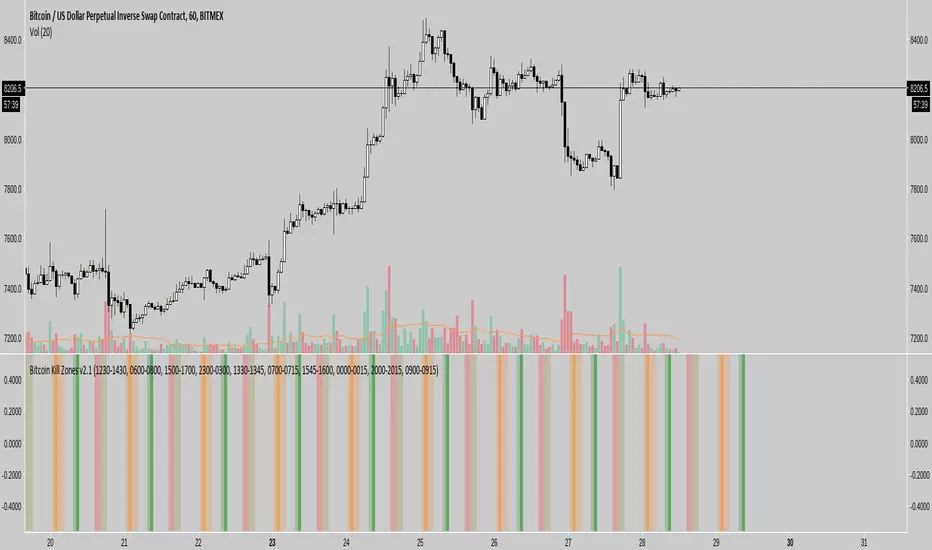
Bitcoin/DGD CorrelationDoes exactly what it says, shows the correlation between DGDBTC on Binance, with the ticker. Notably has been fairly consistently inverse for quite some time now.

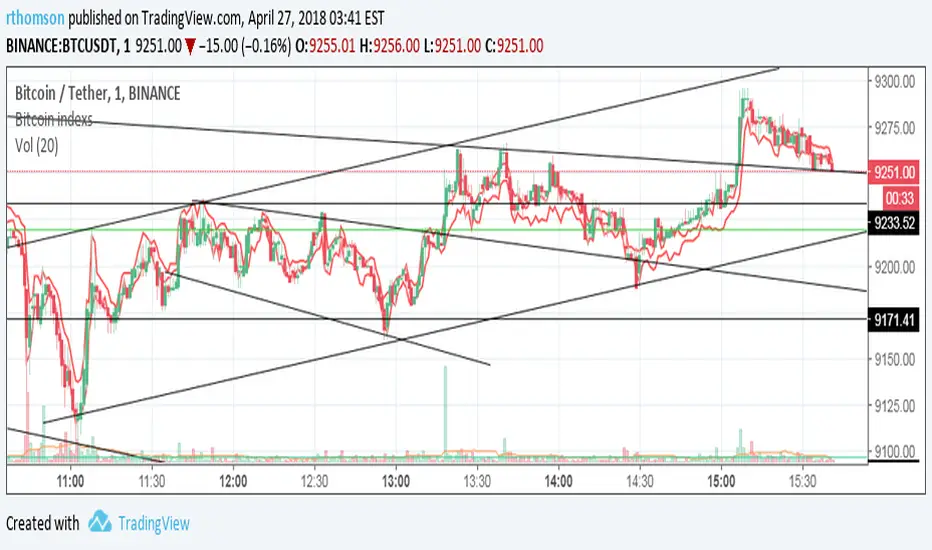
Bitcoin Price CompareDumb, simple script to just toss up BTC's price. I use it to quickly make sure a trend is real or not.

Bitcoin Exchanges Premium FinalIncludes shape alerts for when exchanges have sudden changes vs bitfinex.

Bitcoin Exchanges Premium (Incl Int & GBTC) vs GdaxShows the exchange premiums internationally (Hong Kong, Luxembourg, Korea, Japan, China) vs Gdax. Also includes GBTC Trust price (adjusted).
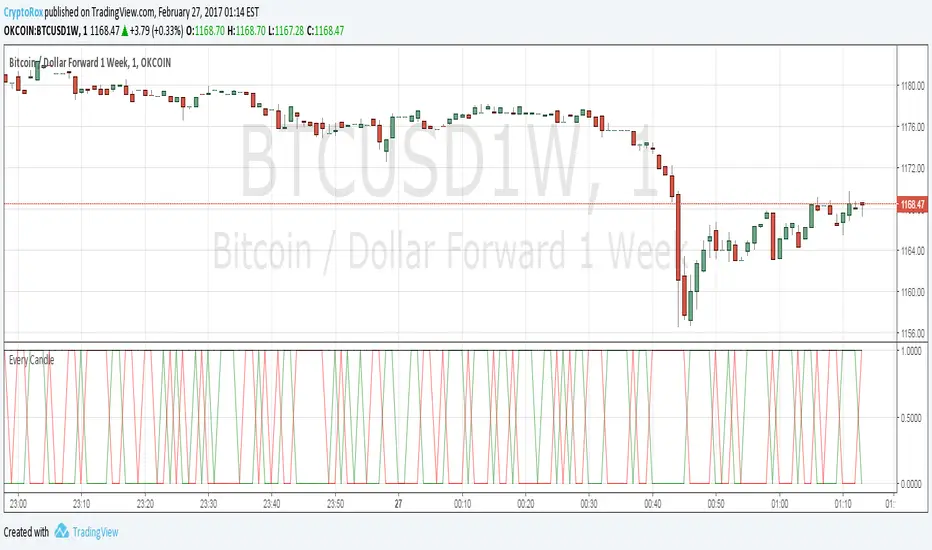
[Autoview] Every Candle Alert ScriptThis script is designed specifically for firing an alert every candle. It can also be used to just fire an alert on a green candle, or a red candle to slow it down a bit.
This is a script we use to close all of our orders or positions on any of the integrated exchanges.
You can use a fire once alert with greater than on condition and the alert will typically fire within seconds. You can also use this to place orders for you without having to navigate away from TradingView to your exchange/brokerage site.
If you would like a better understanding of how to create an alert for automation, please visit the article this strategy is being published for.
use.autoview.with.pink
Tops/BottomsUsing Modified code from Lazybear's CVI 0.17% indicator and some logic, this script can help identify value buy and sell opportunities at a very early phase. Best used as a confirmation tool. This is a beta, so use it as such. Enjoy.
Sometimes "top" indications in an uptrend mean to look for an opportunity to add to position while "bottom" indications during a downtrend can represent the same thing. The trend is your friend, use it to your advantage!
Red star above bar == potential top
Green star below bar == potential bottom


Volume Weighted Market Mean [Dia]Calculate a volume weighted market mean price across various exchanges.
Indicator shows mean values of high, low and ohcl/4, weighted by corresponding volume.
- Optional: display of simple arithmetic mean of prices
- Optional: additional price lines for single exchanges.
- EMA smoothing of results

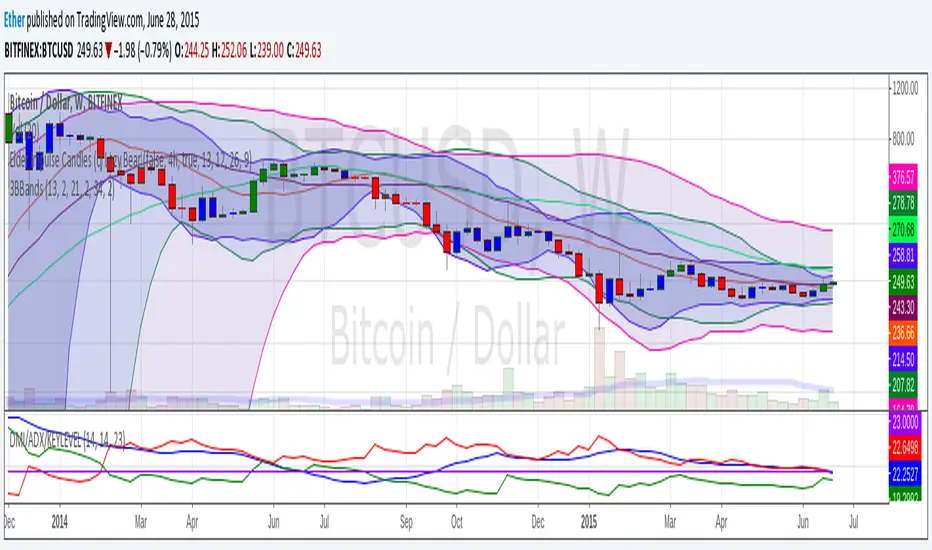
3BBands (3 Spirolinas)The script combines 3 single Bollinger bands into one script for easy plotting and range modification. It can be used for analyzing a market with multiple time frames and ranges using Fibonacci series as the range.
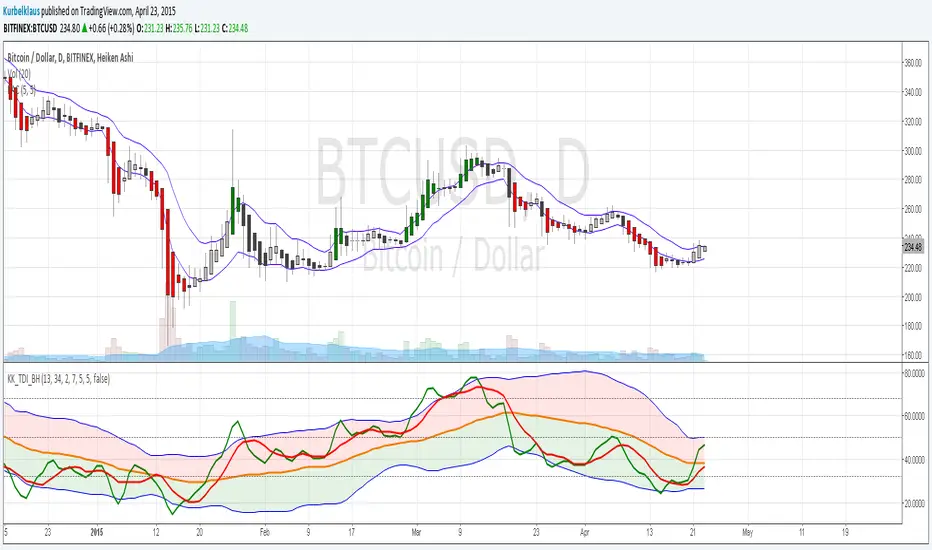
KK_Price Action Channel (TDI BH)Hey guys,
this little script is an addition to another one I will release right after this.
This is the Price Action Channel. The bands are calculated using a smoothed moving average of the highs/lows. I have taken the smoothed moving average script from the public library in order to create this, so all props to whoever created that one.
I am fairly new to creating scripts so use it with caution and let me know what you think!
EDIT: Here is the script I have written this one for:
Bitcoin Index vs. Futures OKCoin WeeklySimple adaptation to lastbattles script to add calculation for index price: calculation can be seen here: www.okcoin.com
I recommend setting it to columns, and setting price at 0, 0 to see divergence of sell/buy.



S3-ZMACDHere's a modified MACD which uses ZL calculation for the emas, phi adjustment to the fast signal and an optimized period set. It useful because it will give predictive signals for many setups.

DF Advanced Sector & RS AnalysisDF Advanced Sector & RS Analysis
Overview
This indicator is an all-in-one dashboard designed to give you an instant "health check" on any asset. Instead of opening multiple charts to check the market trend, sector performance, and fundamentals, this tool brings all that data into a single table on your screen.
It automatically detects if you are looking at a Stock, Crypto, or Forex pair and adjusts its benchmarks accordingly.
Key Features
1. Smart Asset Detection
Stocks: Compares performance against the S&P 500 (SPY).
Crypto: Compares performance against Bitcoin (BTC).
Forex: Compares performance against the US Dollar Index (DXY).
2. Sector Intelligence (Stocks Only)
If you are trading a stock, the indicator automatically identifies its sector (e.g., Technology, Energy, Finance) and compares the stock against that specific sector ETF.
Sector Trend: Tells you if the sector is in an Uptrend or Downtrend.
vs Sector: Shows if your stock is outperforming its own industry.
3. Relative Strength (RS) & Alpha
RS Rating (0-100): A score derived from RSI logic that measures how strong the asset is compared to the benchmark. A score above 70 is bullish.
Alpha: Shows how much the asset is beating (or lagging) the market over the last 20 days.
4. Fundamental Snapshot
Growth: Displays EPS (Earnings) and Revenue growth. You can toggle these between TTM (Trailing 12 Months) for a smoother view or Quarterly for recent performance.
Valuation: Displays the P/E Ratio (TTM). This is always calculated using Trailing Twelve Month data to provide a standard valuation metric.
5. The "Verdict" Score
The indicator combines Technicals, Fundamentals, and Sector Strength into a final 0-100 Score:
STRONG (Green): High probability setup (Score > 70).
NEUTRAL (Grey): Mixed signals (Score 50-70).
RISK (Red): Weak performance or fundamentals (Score < 50).
How to Use
Add to Chart: The table will appear in the corner of your screen.
Check the Score: Look for assets with a "STRONG" verdict.
Analyze the RS: Ensure the RS Rating is high (green) to confirm the asset is a market leader.
Check the Sector: For stocks, it is safer to buy when the "Sector Trend" is UP.
Settings
Table Position: Move the dashboard to any corner of the screen.
Text Size: Adjust the size to fit your screen resolution.
Financials Mode:
TTM: Uses 12-month data (Smoother, standard for long-term analysis).
Quarterly: Uses the most recent quarter vs. the same quarter last year (More volatile, good for earnings plays).
Note: P/E Ratio is always TTM regardless of this setting.
Disclaimer
This tool is for informational purposes only and does not constitute financial advice. Always do your own research before trading.

BTC Cycle Halving Thirds NicoThe bold black vertical lines are the INDEX:BTCUSD halvings.
The background speak for itself.
Time to be bearish?
